A PDF tool can display the right preview and still download the wrong document. A successful button click does not establish that page order, rotation, text, or visual content survived the export. The useful test target is the file the user receives.
PDF Tools is a public browser application for everyday document operations. This case study examines its export-validation design and local-processing boundary using the public source snapshot, reviewed on 29 October 2026. It describes the evidence in that repository; it does not report a new benchmark or independent security certification.
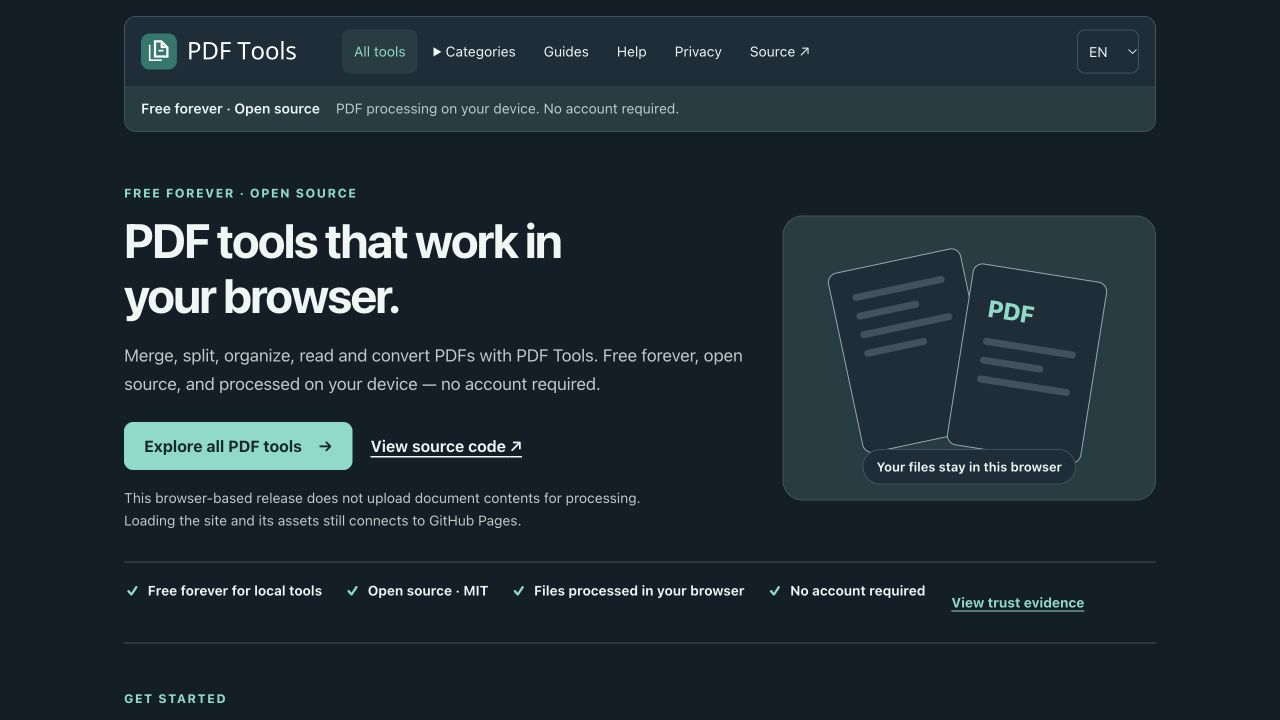
Application screenshot captured on 29 October 2026. No documents were loaded.
Follow the output across the system boundary
The application uses PDF.js for reading and rendering, pdf-lib for generating PDFs, and browser downloads to deliver results. Its independent-output suite drives the production build through Playwright, downloads actual files, and checks them with qpdf and PyMuPDF. These readers are separate implementations from the production PDF libraries (output-audit matrix).
That separation matters because an application can reproduce the same mistake in both its writer and its preview. An external reader provides another way to inspect the resulting bytes. It still needs an explicit expectation: a valid PDF with the wrong pages is a failed export.
The following table is an original summary of the repository’s documented output checks. It connects each user intention to an observable failure.
| User intention | Failure to detect | Evidence to inspect |
|---|---|---|
| Combine documents in a chosen order | Missing or reordered pages | Page count, ordered text markers, geometry, rotation, and rendered content |
| Split a document into ranges | Incorrect range or corrupt archive member | ZIP member order, each member’s PDF structure, and its expected page plan |
| Rotate selected pages | Rotation applied twice or to the wrong page | Existing rotation composed with the requested rotation, then independent rendering |
| Add page numbers or a watermark | Preview changes but export does not | Expected added text and a bounded visual change, while retaining original content |
| Export text | Text appears in the wrong page order | UTF-8 output and ordered synthetic text markers |
For an illustrative extraction test, suppose a synthetic document has pages labelled A, B, and C, and the requested output is C followed by A. Two output pages alone are insufficient evidence: A followed by C has the same count. Text markers establish order, geometry and rotation detect layout changes, and rendering catches blank or missing visual content. This example explains the test design; it is not a separately measured result.
Check that the verifier can reject a bad result
A validator that accepts every file creates false confidence. PDF Tools includes negative verifier tests for wrong counts, order and rotation, blank visual content, missing overlays, corrupt PDF bytes within a valid ZIP, and incorrect text order. The documented suite treats qpdf warnings as failures (negative checks and comparison conditions).
The testing trade-off is additional tooling and execution time in exchange for stronger evidence about exported files. Lightweight unit tests remain useful for selection rules and state transitions. The browser-to-download checks cover the boundary those tests cannot establish on their own.
The evidence also has limits. The output audit explicitly excludes preservation of interactive form widgets and annotation appearances from some comparisons. Visual tolerances account for renderer differences; they do not guarantee equivalence for every font, colour profile, printer, or PDF feature. Those boundaries belong in user-facing export guidance, alongside the test results (corpus coverage and losses).
Treat local processing as a lifecycle
Local document processing also requires checking what happens after the initial file selection. The public audit follows representative tool journeys through processing, download or inspection, reset, route exit, and reload. It checks for unexpected network requests, storage mutations, document-controlled console output, and resources left owned by the application (local-processing and reset audit).
Cancellation is part of this boundary. If a user clears a file while a worker is processing it, a late result must not return as an offered download. The audit documents cancellation and late-output regressions, together with checks that output URLs and tracked workers are released. These checks establish application-managed cleanup, not secure erasure of browser or operating-system memory.
The same distinction applies to hosting. Processing a document on the device does not mean that loading the application makes no network requests: the site and its assets are served by GitHub Pages. Downloaded copies, clipboard contents, printing, browser extensions, and other same-origin code require their own boundaries. The public privacy notice explains the released application’s scope.
Carry the evidence into the product
For document tools, define the expected output before writing the browser assertion. Download the real artefact, inspect it with a separate implementation, and deliberately feed incorrect outputs to the verifier. Then state which document features and environments the checks cover.
This is also a useful evaluation pattern for document AI: define an inspectable result, check the complete workflow, and make uncertainty visible. PDF Tools itself uses deterministic document operations; its tests do not establish the correctness of an LLM extraction pipeline.
References
- Akshat Gupta, PDF Tools source snapshot, reviewed 29 October 2026.
- PDF Tools, Independent R1 output audit.
- PDF Tools, Local processing and reset audit, audit dated 16 October 2026.
- PDF Tools, Public privacy notice.